
Mastering the Top Replay Scrubber
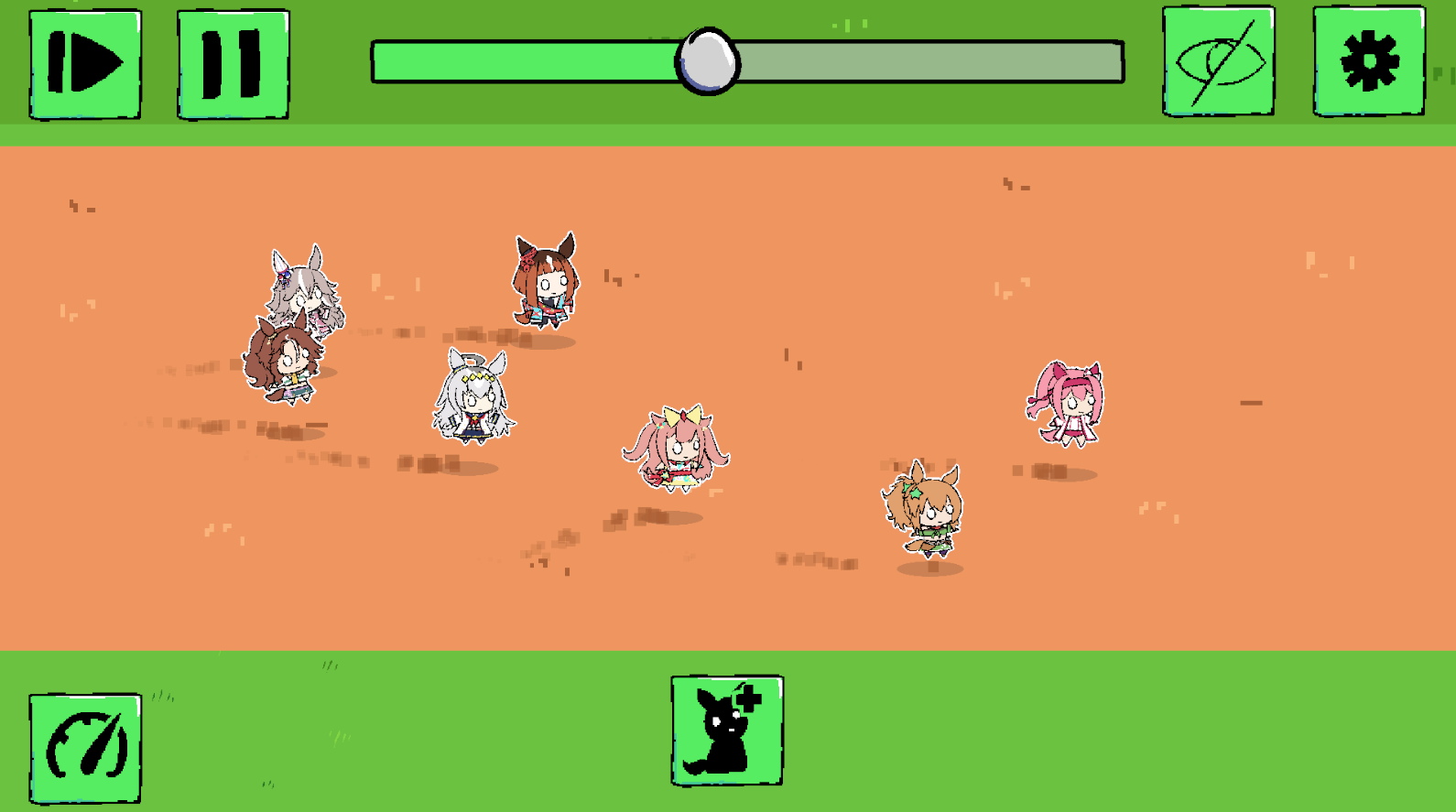
One of the most helpful tricks shared by veteran scene makers is using the green timeline bar at the top of the screen to rehearse entrances before committing a take.
Drag the scrubber to the exact moment your first character reaches a landmark—like the dirt track midpoint or the piano's middle keys—so your next uma enters right on cue without awkward dead air.
Speed Matching for Group Choreography
Default running speed is great for chaotic chases, but slower speeds make precision props—especially theUmafone keyboard and giant paint canvas—much easier to control.
Hold Shift and tap the Down arrow (or scroll down) before drawing outlines or typing words, then speed back up when staging turf races.
Recording Crisp Clips & Screenshots
For social-ready GIFs and screenshots, click Fullscreen (or Theater) in the player bar, adjust camera zoom to frame your cast, and press H to hide all in-game UI overlays. Because the canvas renders with nearest-neighbor pixel scaling, zoomed-in sprites stay razor sharp.
Planned Updates & Community Wishlist
Based on public development notes and recurring community requests, two major additions have been highlighted for future updates:
Expanded Uma Roster
More chibi umas are planned so players can stage even larger group skits and favorite pairings.
Touchscreen Support
Touch controls are on the roadmap to make playing and staging replays smoother on tablets and mobile browsers.