
Full Controls Reference
Click once inside the game canvas after loading so your browser routes keyboard shortcuts and scroll-wheel zoom directly to the WebGL player.
| Input | Action | Best Use |
|---|---|---|
| W A S D | Move character | Run freely across the turf, dirt track, piano, and canvas. |
| Space | Jump | Add playful hops during chases, piano notes, or celebratory skits. |
| Scroll / ↑ ↓ | Adjust zoom | Zoom in for close-up emote reactions or pull back for wide group choreography. |
| Shift + Scroll / ↑ ↓ | Adjust movement speed | Slow down for casual strolls or crank up speed for chaotic sprints. |
| 1 – 9 | Trigger emotes | Pop expressive emotes above your uma while moving or standing still. |
| 0 | Clear emote | Immediately dismiss the active emote before starting the next beat. |
| H | Hide / show UI | Clean up the viewport for unobstructed screenshots or screen recordings. |
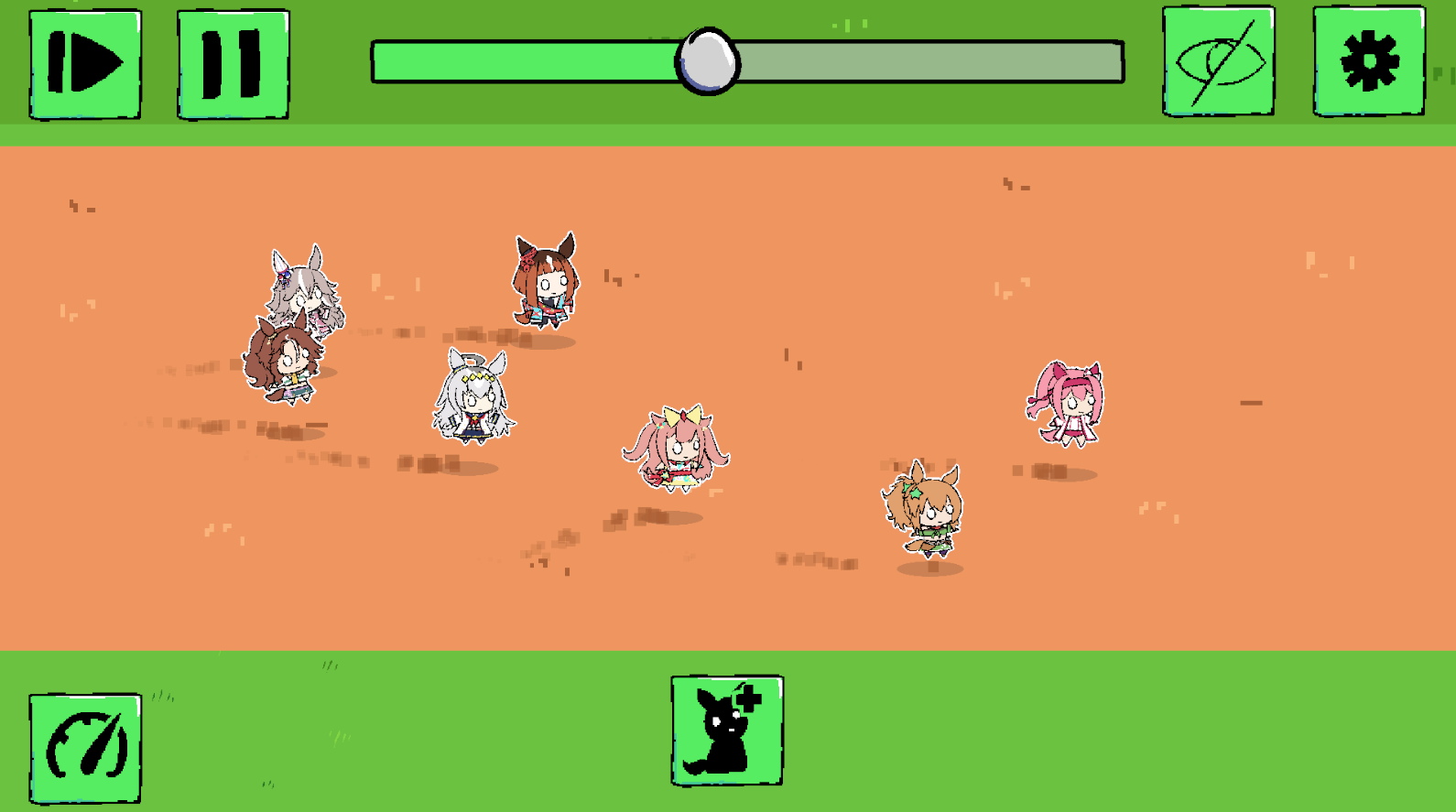
3-Step Multi-Uma Replay Workflow
Stacking recorded takes lets multiple umas interact on screen at once. Follow this pacing workflow for cleaner timing:
Record the Lead
Pick the character who sets the rhythm. Add clear pauses or hops where other umas will react.
Layer Supporting Cast
Play back your anchor take while piloting the next uma. Match pace with Shift + Scroll.
Hide HUD & Watch
Set your final zoom, expand to Theater or Fullscreen, and press H.
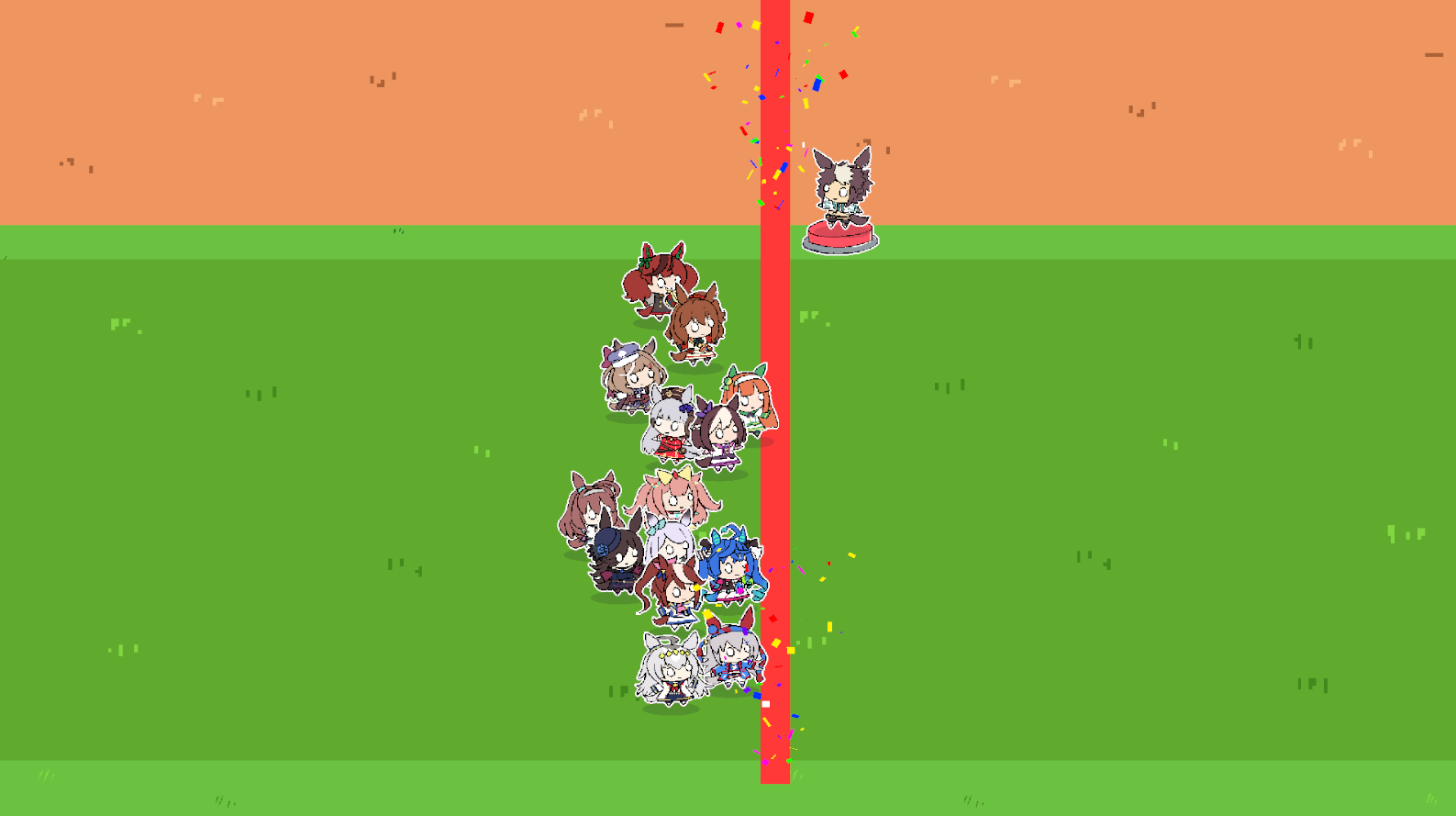
Close-Up Emotes & Clean Captures
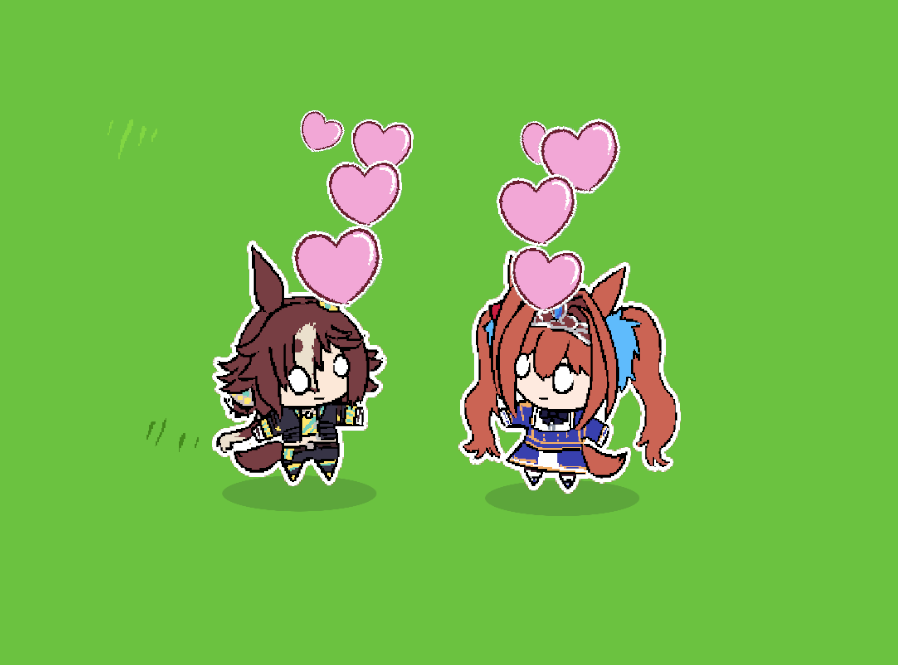
For cute two-character skits, zoom in with the scroll wheel before pressing H to hide the scrubber and buttons. Cue matching heart or reaction emotes on keys 1–9 and clear them with 0 right on beat.
Browser & WebGL Tips
WebGL 2 required: Use an up-to-date desktop version of Chrome, Edge, Firefox, or Safari with hardware acceleration enabled.