
Pick Your Uma
Choose your favorite chibi runner and frame the camera with smooth scroll or arrow-key zoom.
Pick an uma, record runs, pop emotes, and layer replays into playful pixel-art scenes.
From multi-uma finish line races and dirt sprints to a playable piano, paint canvas, and giant phone keyboard.
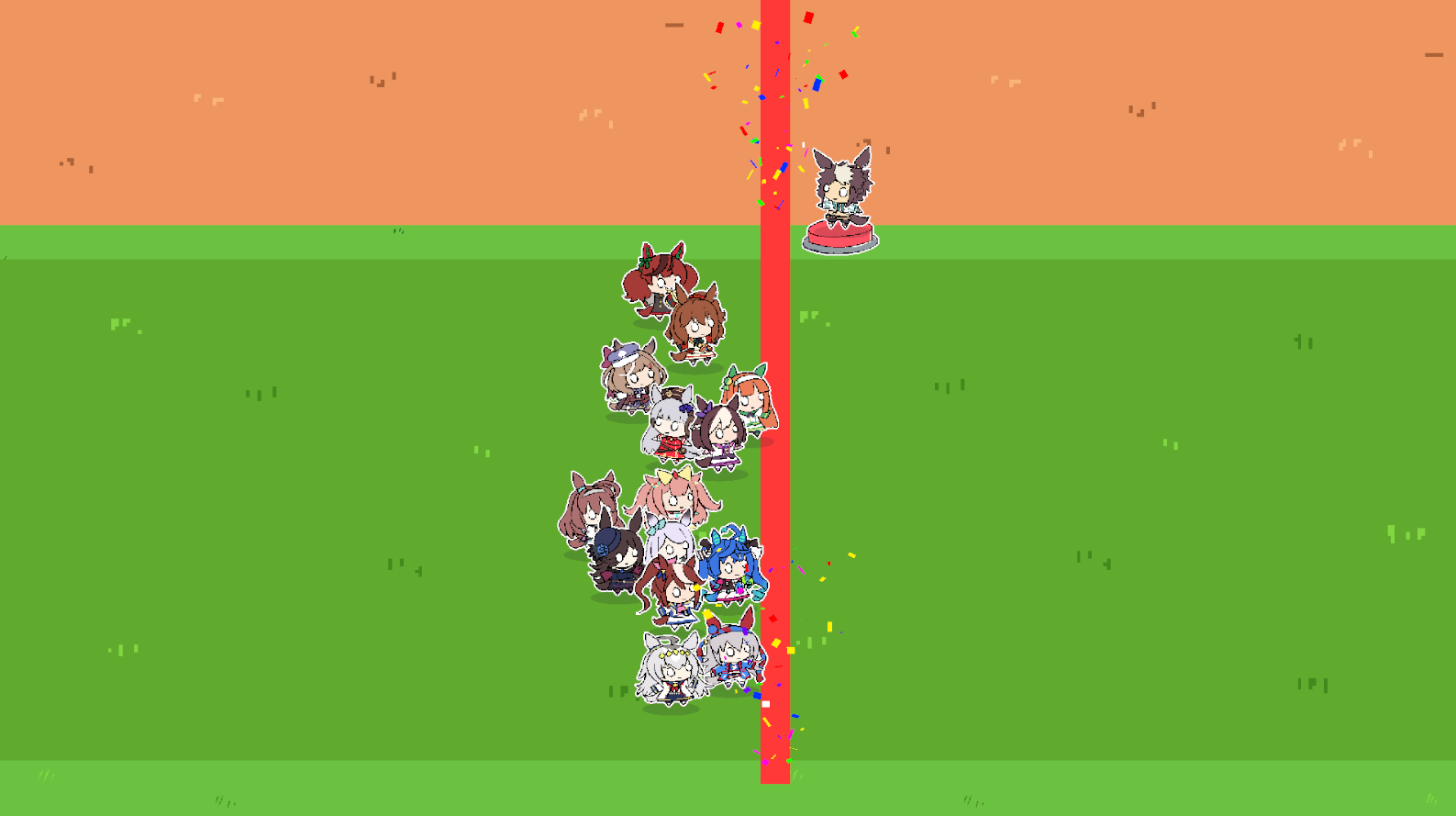
Layer over a dozen recorded umas sprinting across the red finish line with confetti bursts.
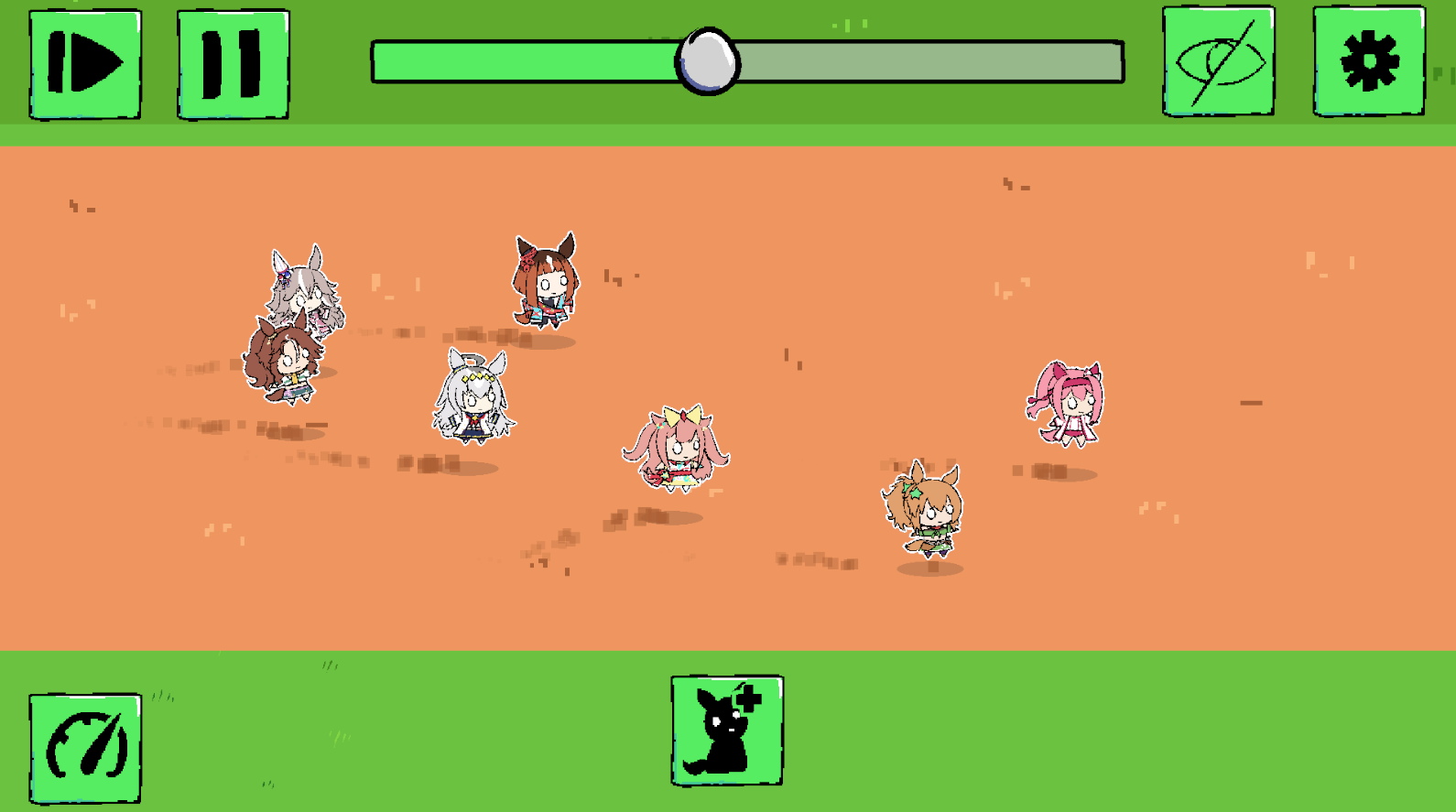
Kick up dust trails along the dirt course and scrub timing smoothly with the top replay bar.
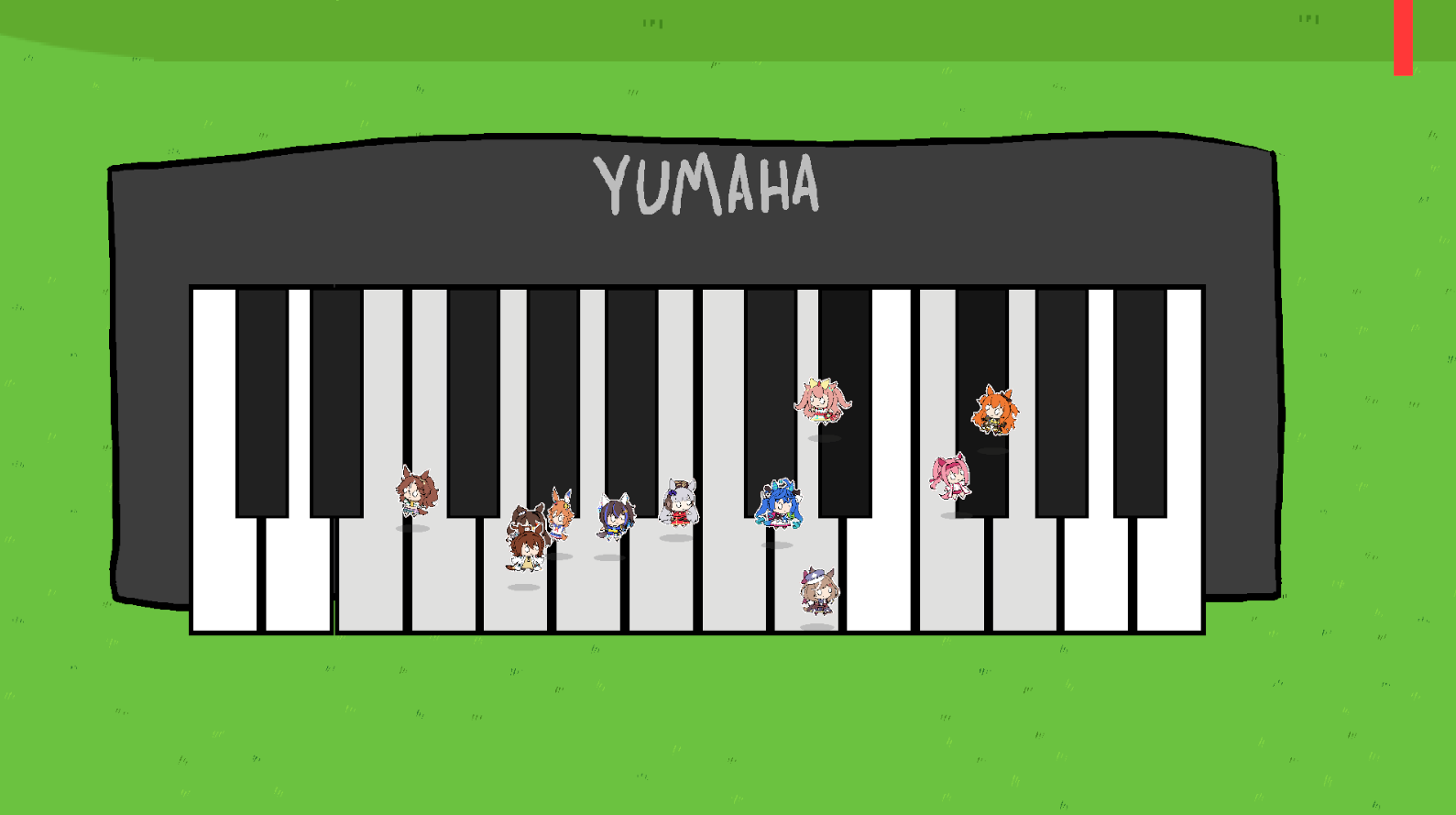
Hop across giant piano keys with layered replays to stage chaotic group melodies.
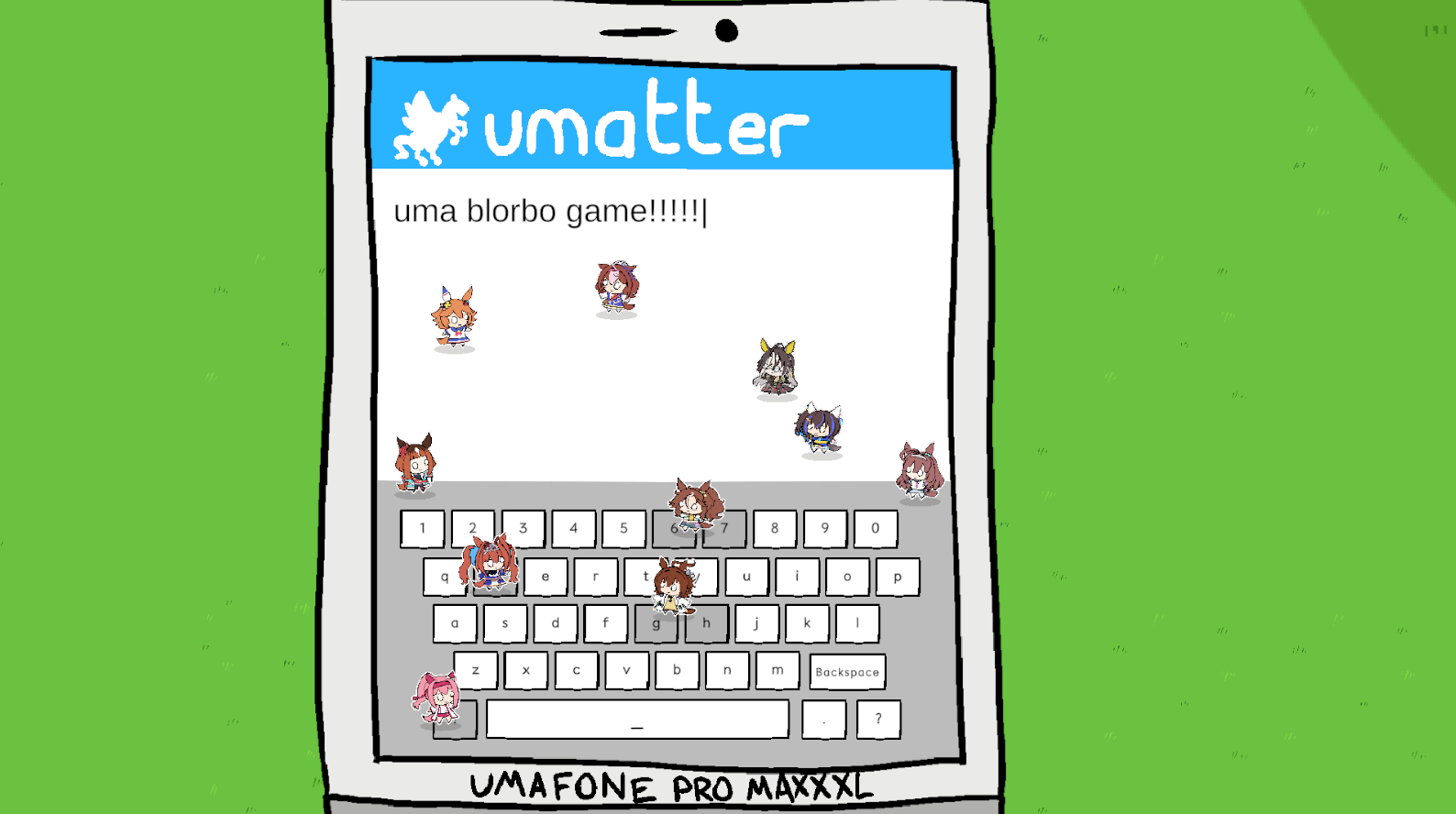
Step on giant smartphone keys to spell out silly messages together on the Umafone screen.
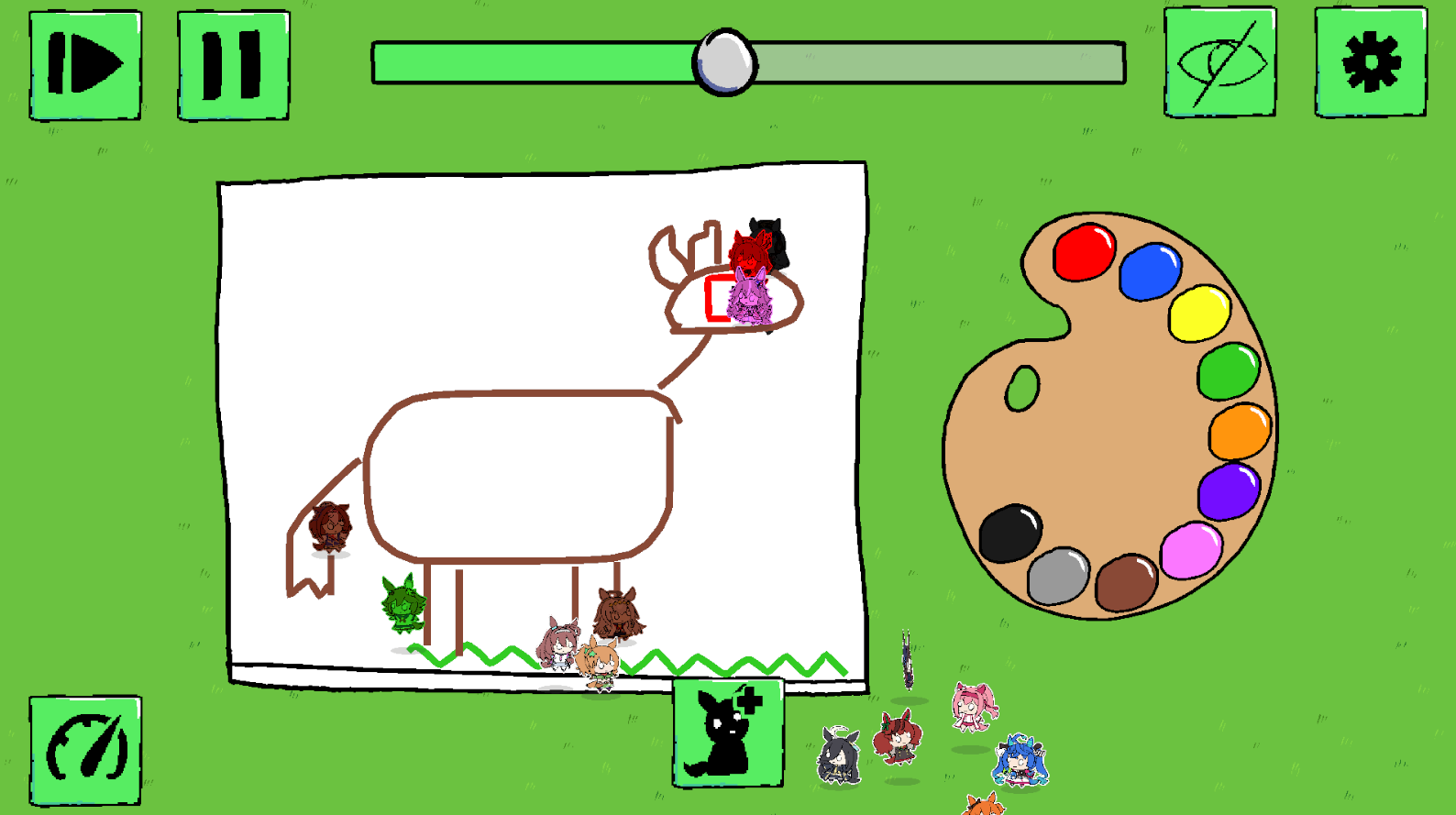
Roll through colors on the wooden palette and run across the giant sketchbook to paint together.
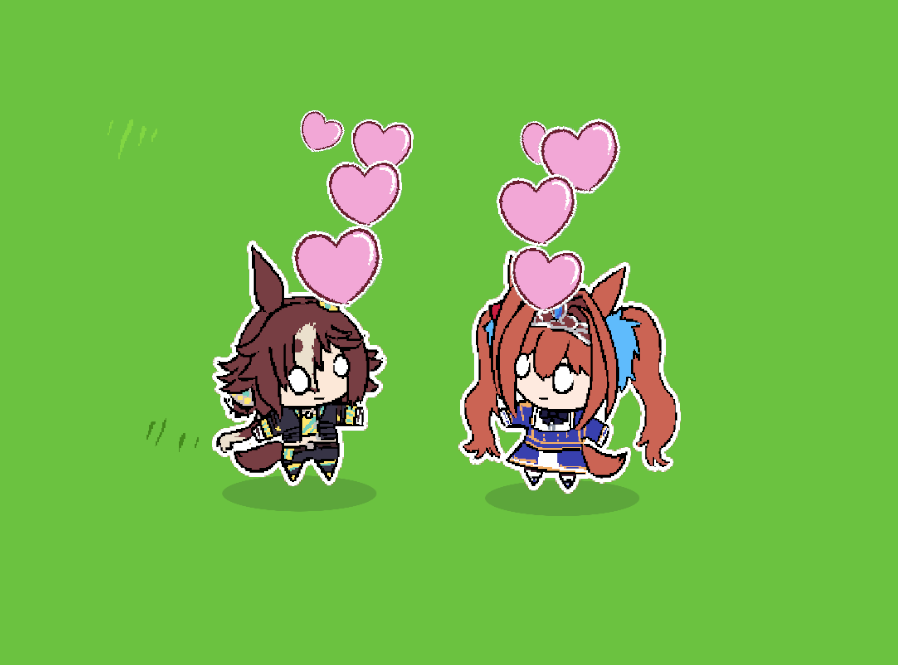
Zoom close, hide the HUD with H, and cue heart or reaction emotes on keys 1–9.
Everything you need to choreograph cute chases, skits, and multi-character replays right in your browser.
Choose your favorite chibi runner and frame the camera with smooth scroll or arrow-key zoom.
Move freely with WASD, leap with Space, and pop 9 expressive emotes on number keys 1–9.
Record a movement path, play it back live, and pilot another uma right beside your saved take.
Press H to clear the HUD, expand to Theater or Fullscreen, and enjoy crisp pixel-perfect scenes.
Uma Blorbo Game pairs crisp pixel art with an effortless replay loop. Record a lead runner first, tune your movement speed with Shift + Scroll, and layer supporting umas right over the playback until the whole scene comes alive.
Explore our illustrated controls manual or browse curated community scene setups and player tips to spark your next skit.
Curated highlights from community clips, creative stage setups, and helpful replay tricks.
From 15-uma finish line stampedes and Yumaha piano bands to collaborative paint murals and Umatter posts.
Read post →How players sync multi-character crowds, frame HUD-free clips, and what updates are planned next.
Read post →Quick answers about browser playback, controls, emotes, and replay staging.
Uma Blorbo Game is a 2D pixel-art sandbox and scene-making browser game. Inspired by Uma Musume, it lets you pick an uma, run and jump around interactive props like the turf track, giant piano, paint canvas, and smartphone keyboard, trigger emotes, and layer character replays to direct custom scenes.
Yes. Click "Play Uma Blorbo Game" in the player above to launch the Unity WebGL build directly in your browser with no download or account required.
Press number keys 1 through 9 to trigger different emotes, and press 0 to clear the active emote. Press H at any time to hide the in-game UI for clean screenshots or video captures.
Use the mouse scroll wheel or the Up and Down arrow keys to adjust camera zoom. Hold Shift while scrolling or pressing Up/Down to adjust movement speed.
Uma Blorbo Game is designed for desktop and laptop browsers with a keyboard and mouse for WASD movement, speed and zoom modifiers, emote hotkeys, and replay controls.